
For developers
NEX can be used from your own programs in three ways: from any language
over HTTPS with the HTTP/JSON API, from C (or C++, or any language that
calls C functions) on the cluster nodes with the libnex library, and
from shell scripts with the nex commands. NEXFS needs no API at all: for
programs it is an ordinary POSIX filesystem mounted on /nex.
The HTTP/JSON API
For scripts and programs even outside the cluster, in any language: read
the state of the cluster and act with the permissions of a user (jobs, the
queue, services, snapshots, alarms, key-value data). Every node serves it on
https://NODE:7443/api/v1/, authenticated with a personal token.
nex token create ci > ~/.config/nex/token        # on a node, once
curl --cacert ca.crt -H "Authorization: Bearer $(cat ~/.config/nex/token)" \
     https://node-a:7443/api/v1/nodes
Guide: NEX HTTP/JSON API, with examples in shell and Python.
The dashboard and the API
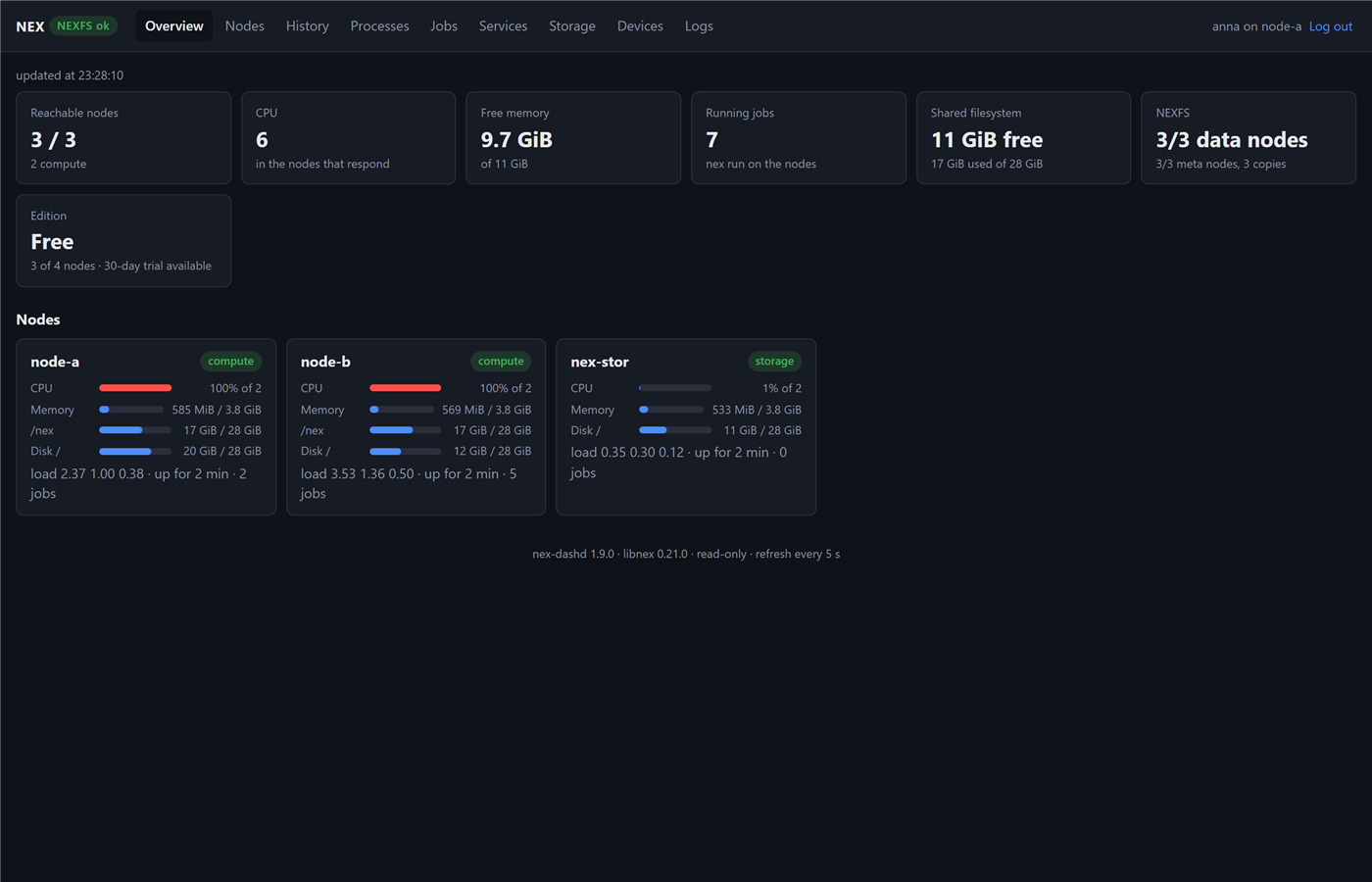
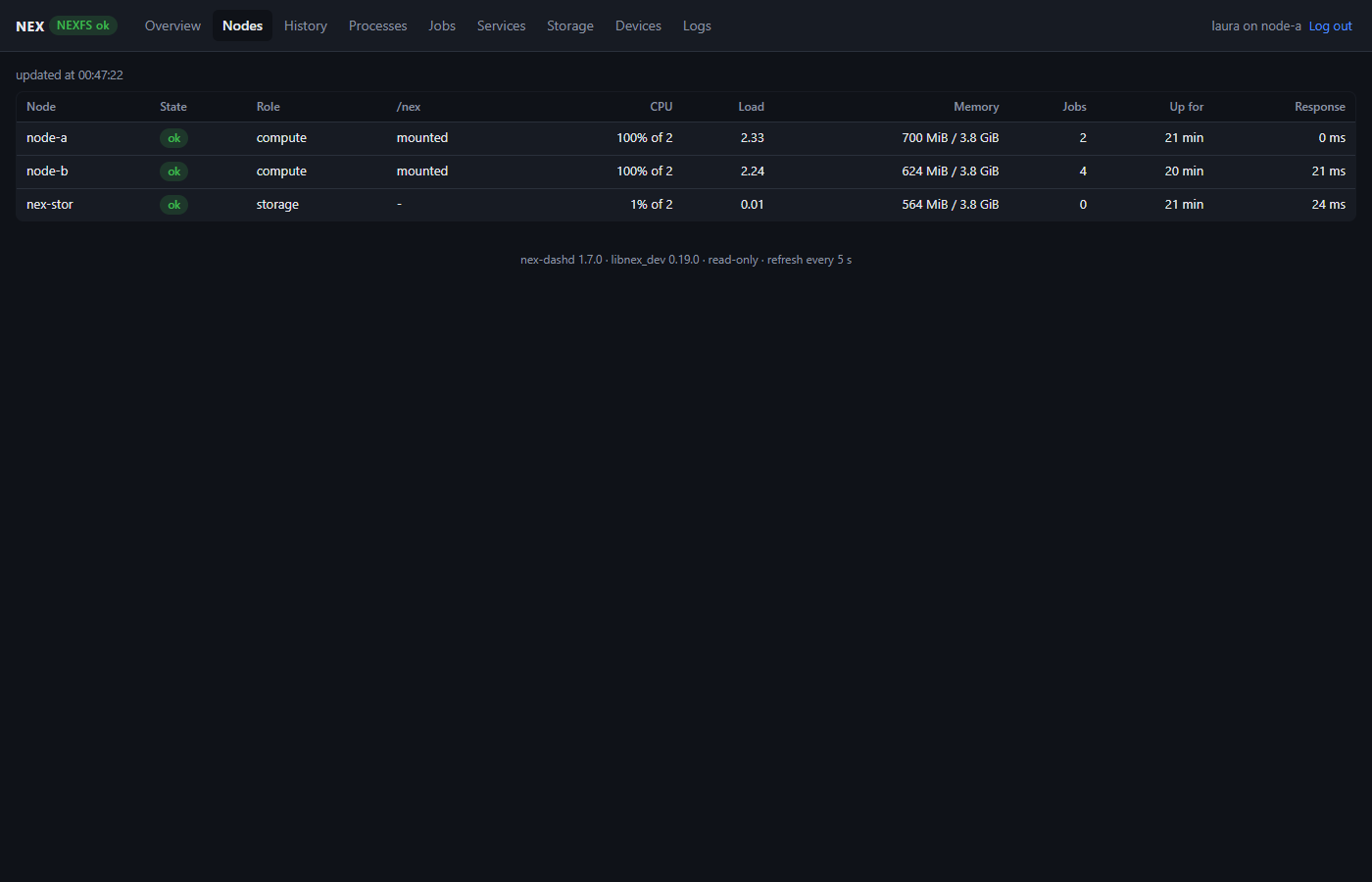
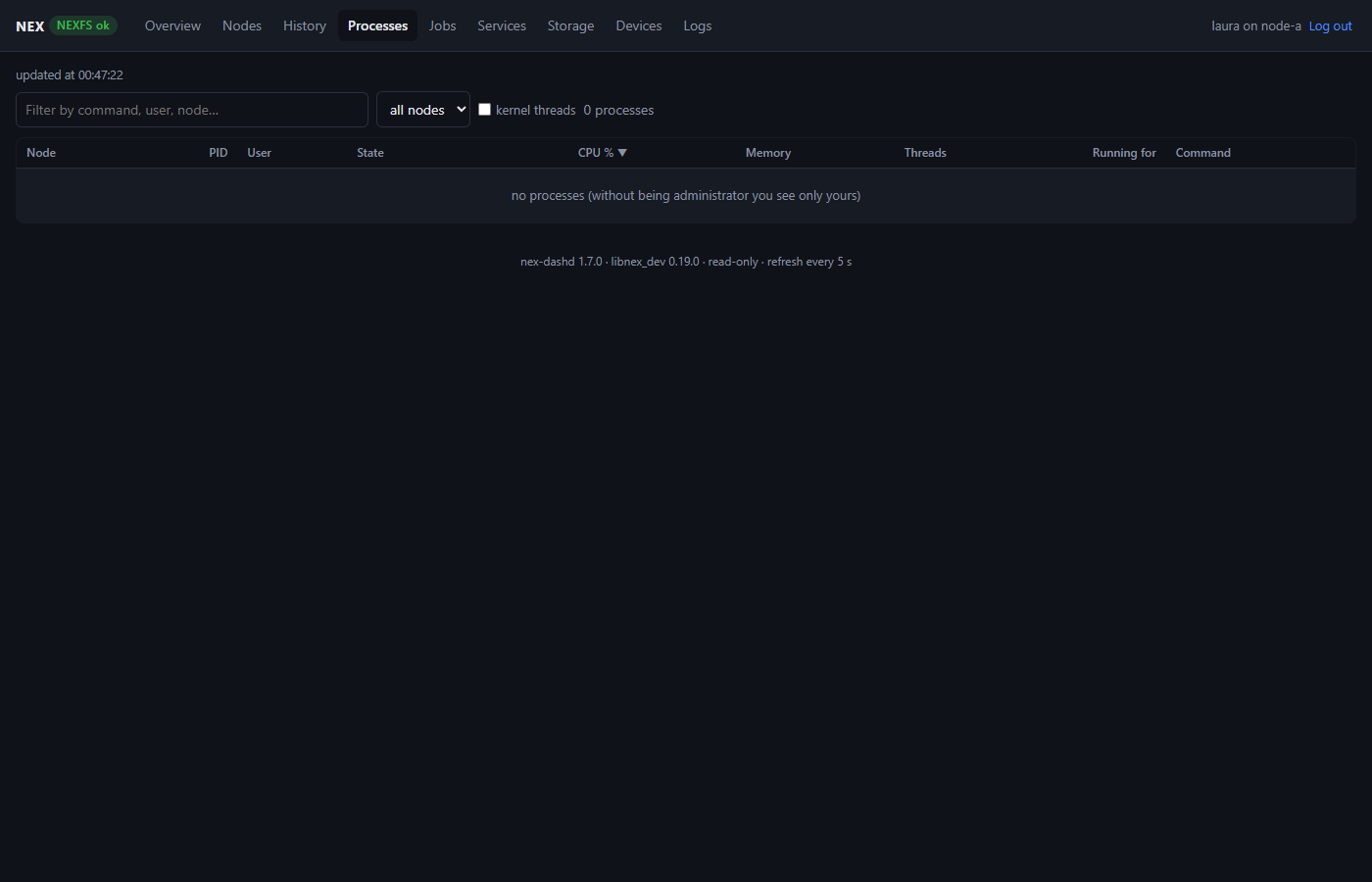
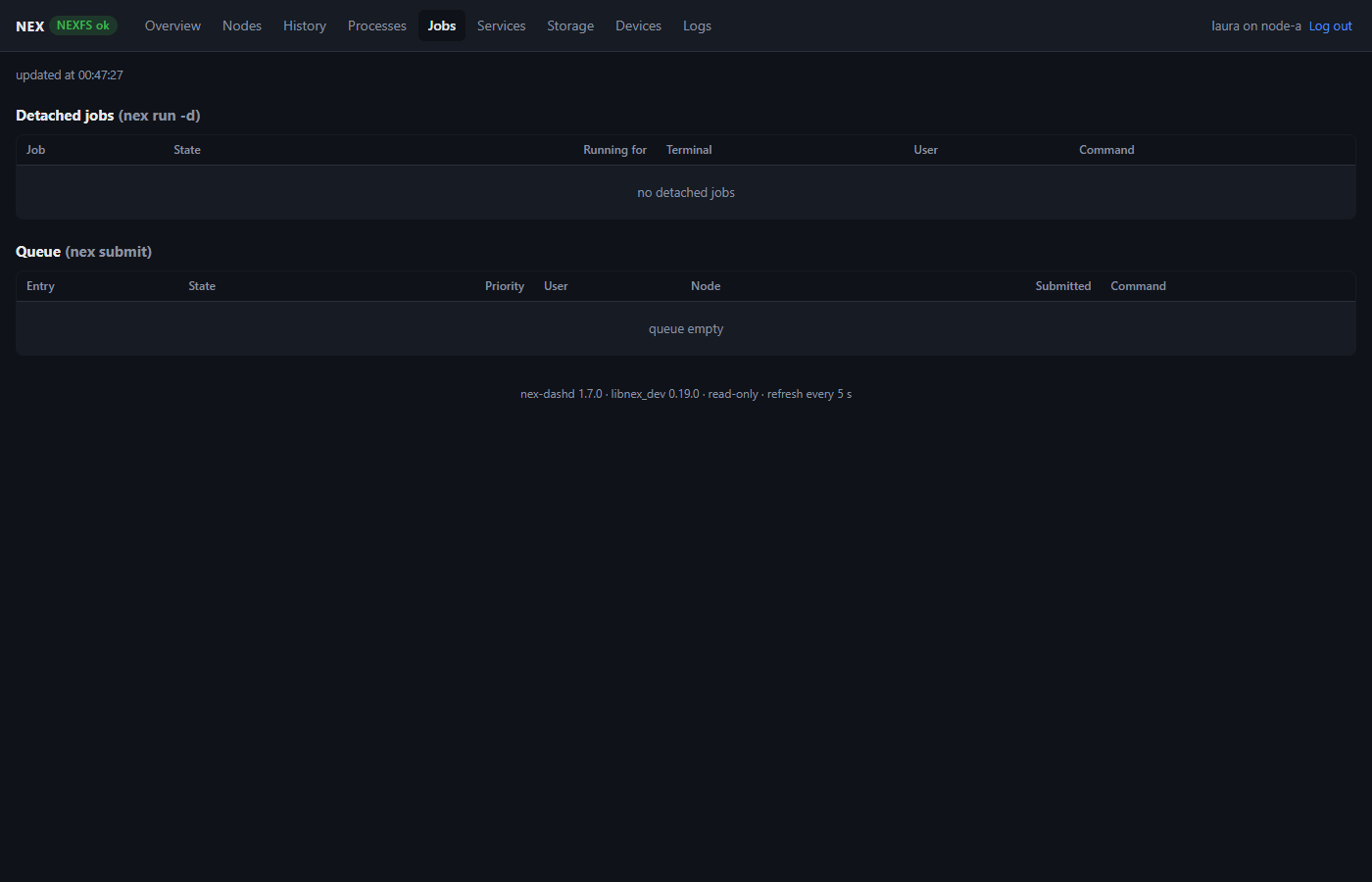
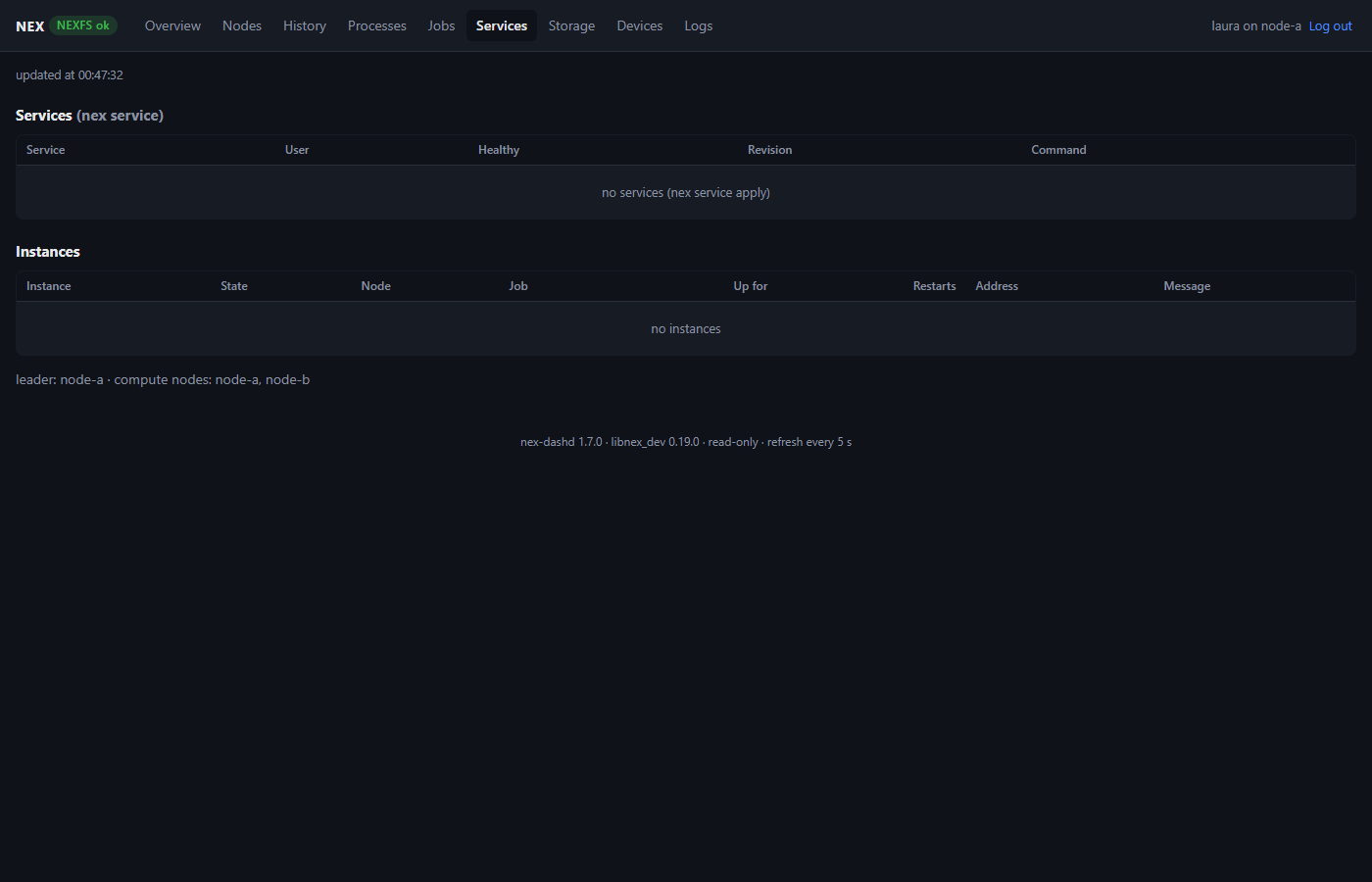
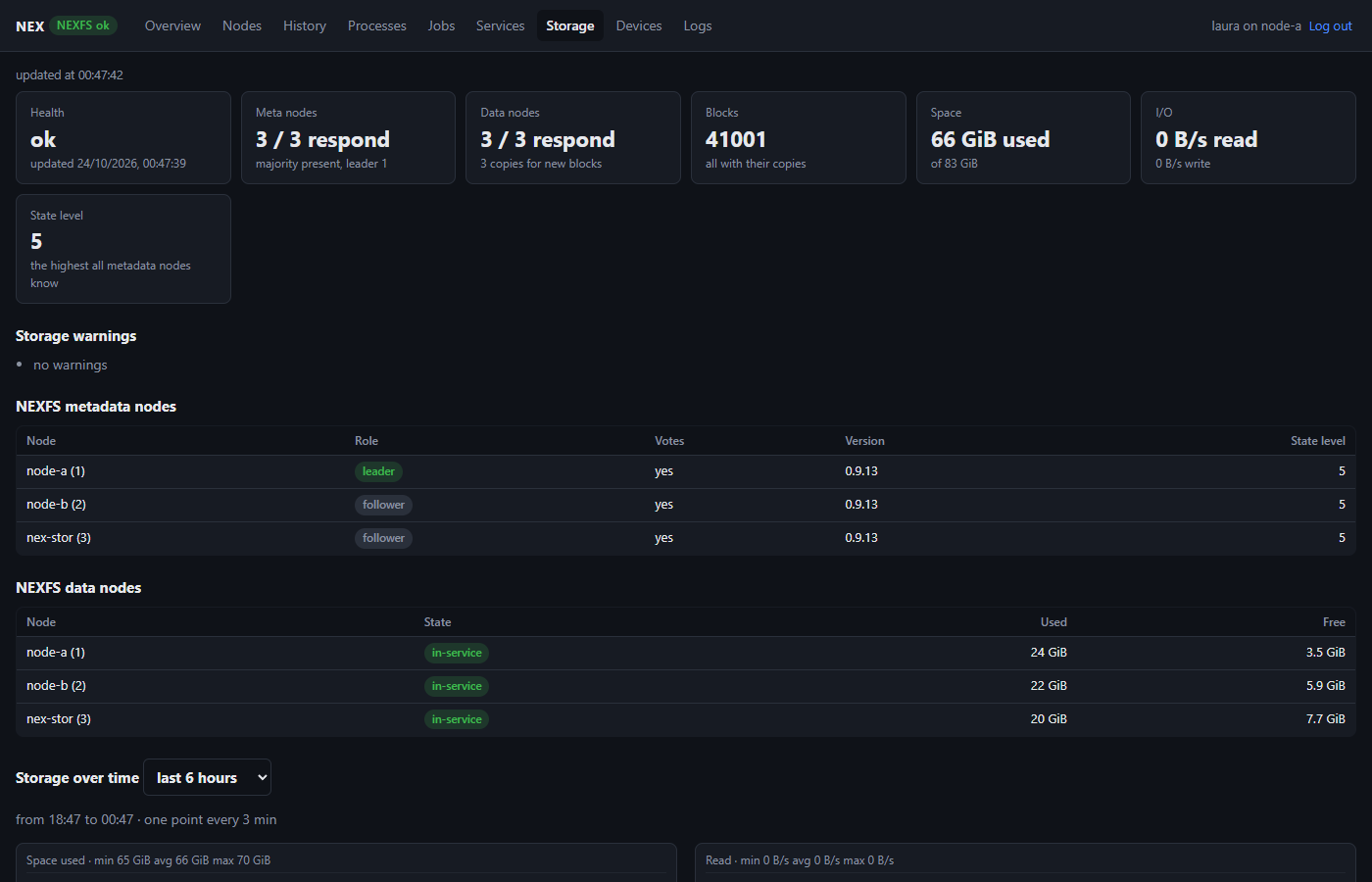
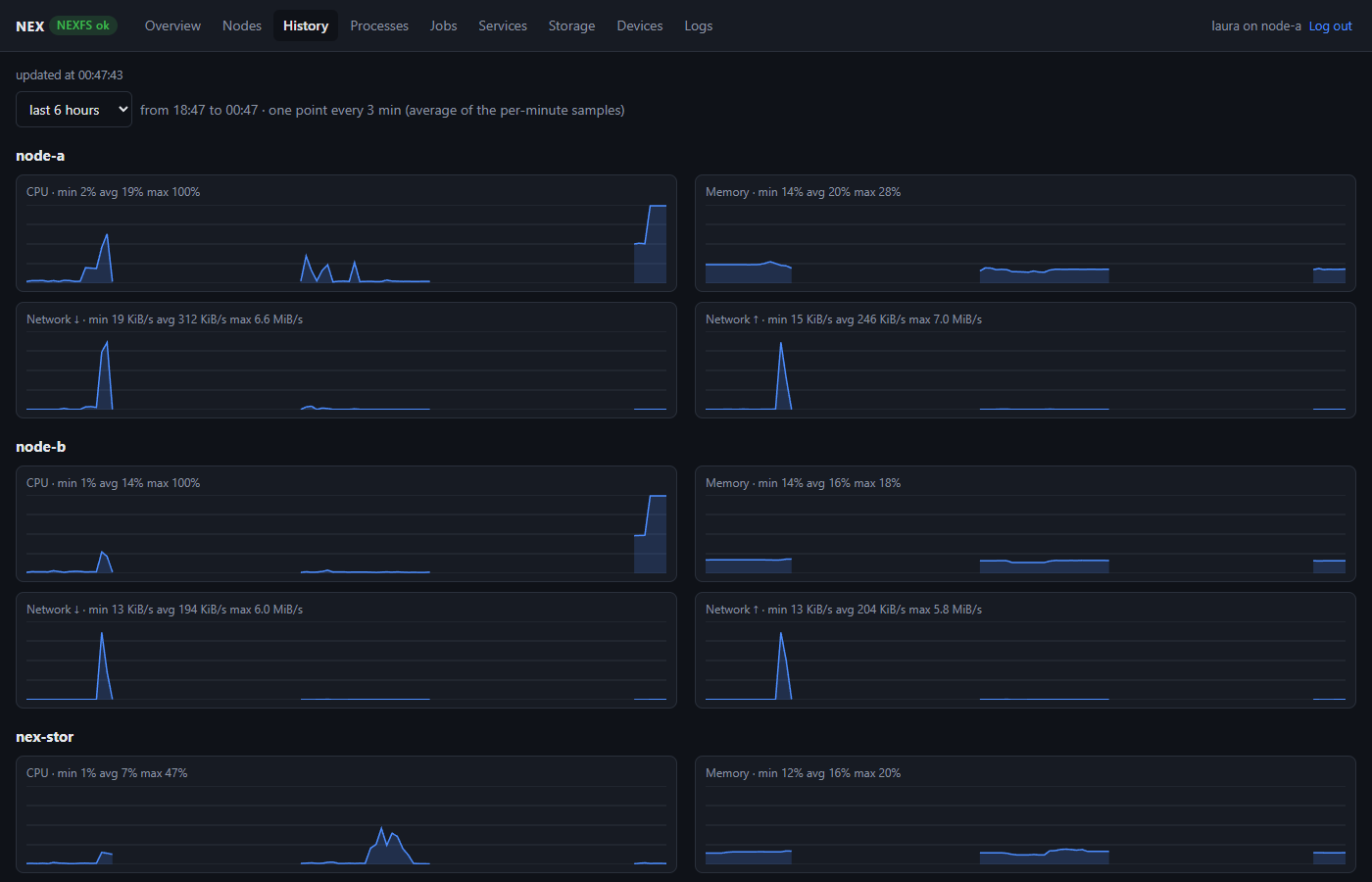
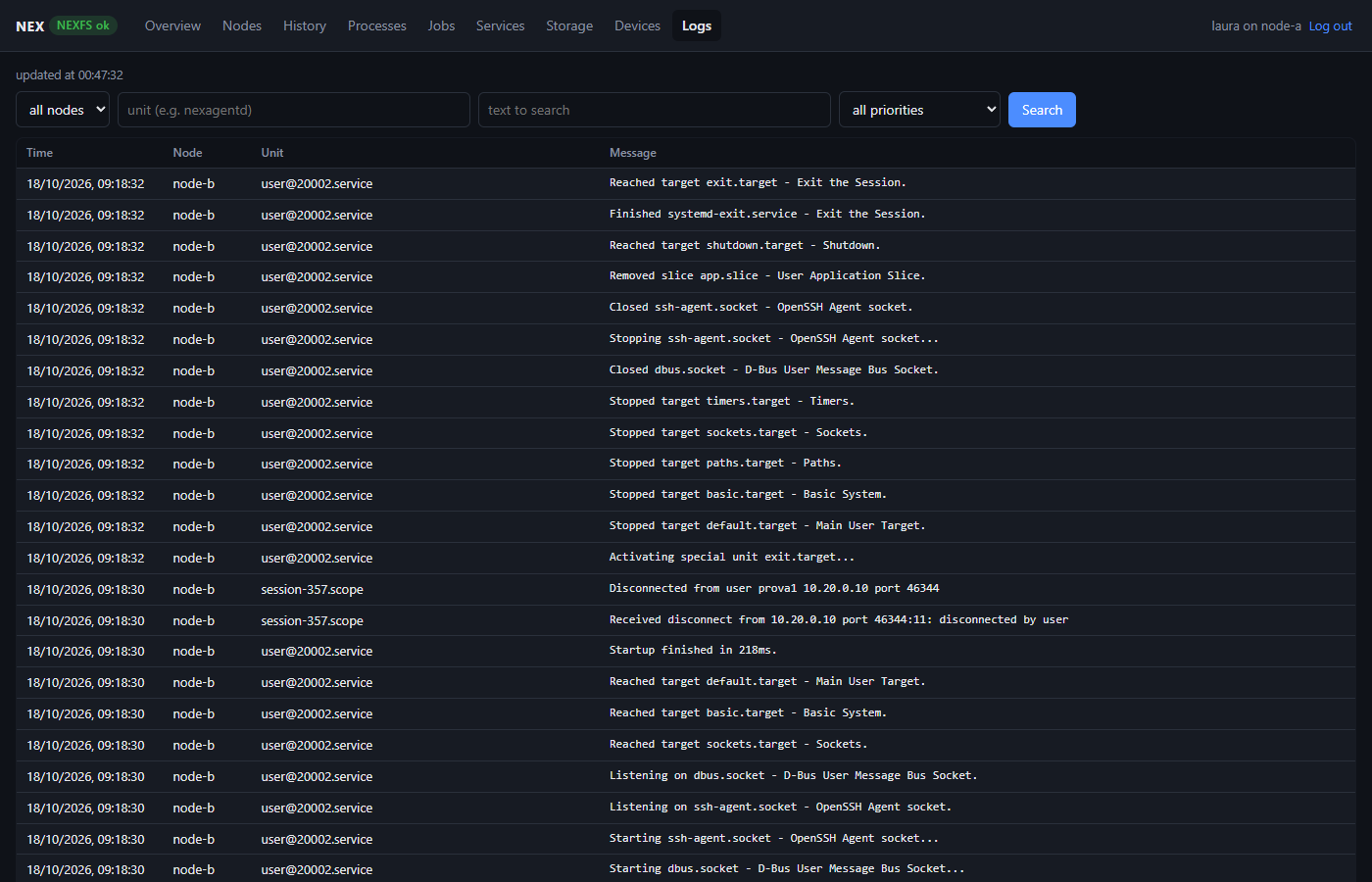
The web dashboard is built on the same API: everything it shows, a program can read with the same requests and the same token permissions. Here it is in its dark theme, which follows the setting of the system.
The C library: libnex
For programs that run on the cluster nodes: see the nodes and the
processes, launch commands on other nodes and wait for them, follow their
output live, use detached jobs and the queue, open connections to services
on other nodes, share key-value data. It is the same library used by nex,
nexsh and the dashboard.
apt install libnex-dev            # header nex.h, library, examples, man nex(3)
cc -Wall -O2 -o myprog myprog.c -lnex
Guide: libnex — programming the NEX cluster in C. Reference of every function: nex(3).
Programming examples
Ten complete C programs, from the first connection to the key-value store.
They are in the libnex-dev package
(/usr/share/doc/libnex-dev/examples/), build with make and run on a
cluster node, from a folder in /nex:
cp -r /usr/share/doc/libnex-dev/examples ~/examples && cd ~/examples && make
./02_spawn_wait 6
| Example | What it shows |
|---|---|
| 01_nodi.c | connecting to the agent, version, nodes and processes |
| 02_spawn_wait.c | N processes in parallel on the cluster, wait with a timeout |
| 03_run_uscita.c | a command on another node with live output and its exit code |
| 04_stdin_segnali.c | data on the stdin of a remote process, signals |
| 05_staccati.c | detached jobs: start, list, reattach for the output, stop |
| 06_coda.c | a parametric study in the job queue, started when CPUs are free |
| 07_forward.c | a TCP connection to a service as seen from another node |
| 08_processi_log.c | finding a process, signals by PID, messages, cluster logs |
| 09_richiesta.c | generic requests: services, alarms, snapshots, locks |
| 10_kv.c | key-value: a single winner among several processes, a counter without lost updates |
| Makefile | builds all the examples |
Every release builds them and runs them on the test cluster.
Scripts with the nex commands
On the nodes, a shell script uses the cluster with the same commands as a
user: nex run (on the least loaded node or a chosen one), nex submit and
nex queue for the job queue, nex kv for shared values, nex msg for
messages, nex service for services that stay up. In nexsh, the cluster
shell, on any COMMAND runs a command on the least loaded node.
Guides: User guide, nexsh, Cluster services; manual pages: nex(1), nexsh(1).
NEXFS for programs
Programs read and write /nex with the ordinary system calls: no library
and no special API. fsync returns only when the data is on the disk of
all copies, rename is atomic, flock, POSIX and OFD locks apply across all
nodes. Details: Security and data durability,
The client.